CalendarBridge alternative with calendar sync, scheduling, and more
OneCal's advanced calendar synchronization software, intuitive scheduling links, unified calendar view and affordable pricing make it the #1 CalendarBridge alternative.
Get 20% discount + assistance with onboarding and migration if needed.
CalendarBridge Alternative
What does OneCal offer as a CalendarBridge alternative?
| Features | OneCal | CalendarBridge |
|---|---|---|
| Security | ||
| GDPR Compliance | Yes | Partial |
| SOC 2 Type 2 | Yes | No |
| Calendar Sync | ||
| Supported Calendars | Google Calendar, Outlook, iCloud Calendar, ICS Links | Google Calendar, Outlook, iCloud Calendar, ICS Links |
| Reliable, real-time calendar synchronization | Yes | Yes |
| One-way Syncs | Yes | Yes |
| Multi-way Syncs | Yes | Yes |
| Unlimited Synced events | Yes | Yes |
| Control over what event properties are synced | Yes | Yes |
| Exclusion of events from syncing | Yes | Yes |
| AI | ||
| AI Assistant | YesIncluded in every plan | Yes |
| Scheduling Links | ||
| Scheduling links | Yes | Yes |
| Unlimited Scheduling Links | Yes | Up to 10 |
| Read availability from unlimited calendars | Yes | NoUp to 4 calendars |
| Scheduling links custom branding | YesLogo, Cover Image, Colors, and more | PartialPartial - Banner and avatar |
| Localized Scheduling Links | Yes | No |
| Group Scheduling Links | Yes | No |
| Scheduling Workflows | Yes | No |
| Unified Calendar | ||
| Unified Calendar View (read and write) | Yes | Yes |
| See Team Member’s Availability in Calendar View | Yes | No |
| Public Calendar Feeds | Yes | Yes |
| Team & Admin | ||
| Admin managed accounts | Yes | PartialPartial |
| OIDC/SAML SSO | YesAvailable on all plans | Yes |
| SCIM Directory Sync | YesAvailable on all plans | No |
| Integrations | ||
| Zoom | Yes | Yes |
| Google Meet | Yes | Yes |
| Microsoft Teams | Yes | Yes |
| Zapier Integration | Yes | No |
| MCP Server | Yes | No |
| Public API Access (Available on request) | Yes | No |
| Apps | ||
| Web App | Yes | Yes |
| iOS App | Yes | Yes |
| Android App | Yes | Yes |
| MacOS App | Yes | No |
| Personalization | ||
| Light and dark mode on web | Yes | Yes |
While we do our best to keep this information accurate and up to date, features and pricing on third-party products can change without notice. We recommend visitors do their own research before making a decision.
Advanced Synchronization Configuration
OneCal allows you to choose which events are cloned to your other calendars, along with each property of the events, making it the most advanced calendar synchronization software.
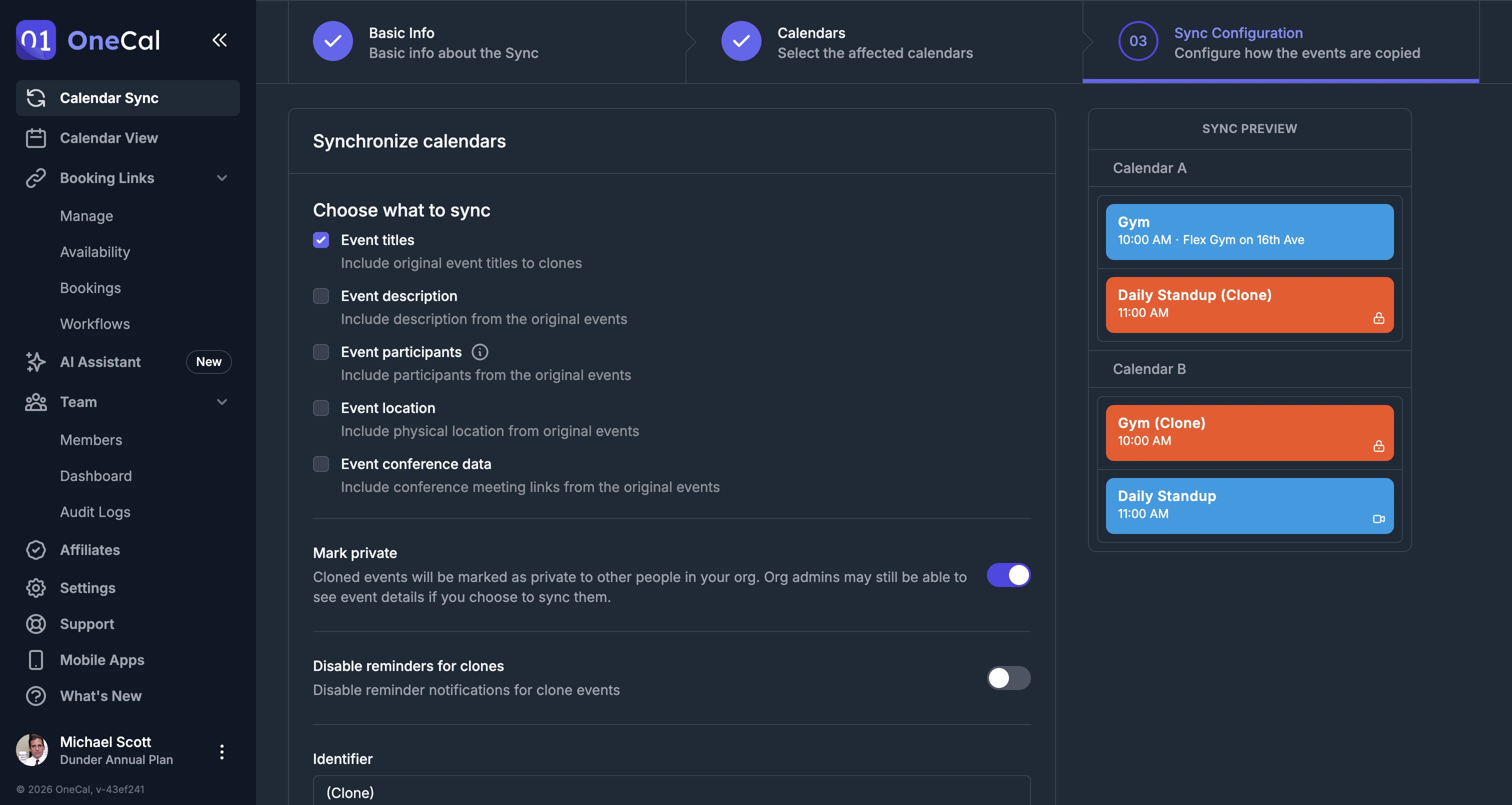
Multi-way or One-way sync
OneCal allows you to synchronize all your calendars in less than one minute. You can sync one calendar to one or more calendars, or multiple calendars at the same time.
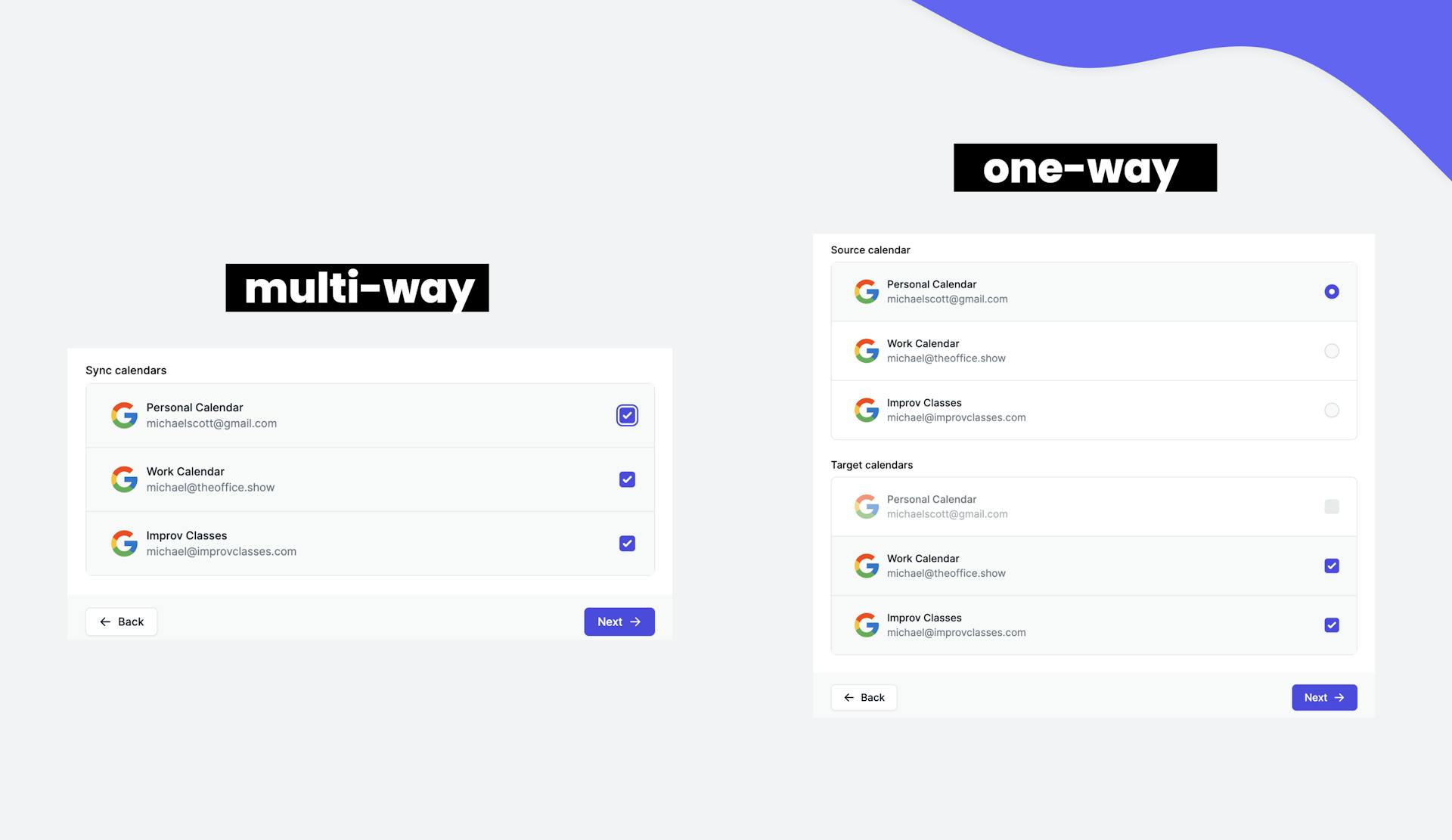
Fast, reliable syncs
We have worked tirelessly to make the calendar sync process as fast and reliable as possible. Our algorithm syncs multiple calendars, containing thousands of events, in less than 5 minutes, in one go.
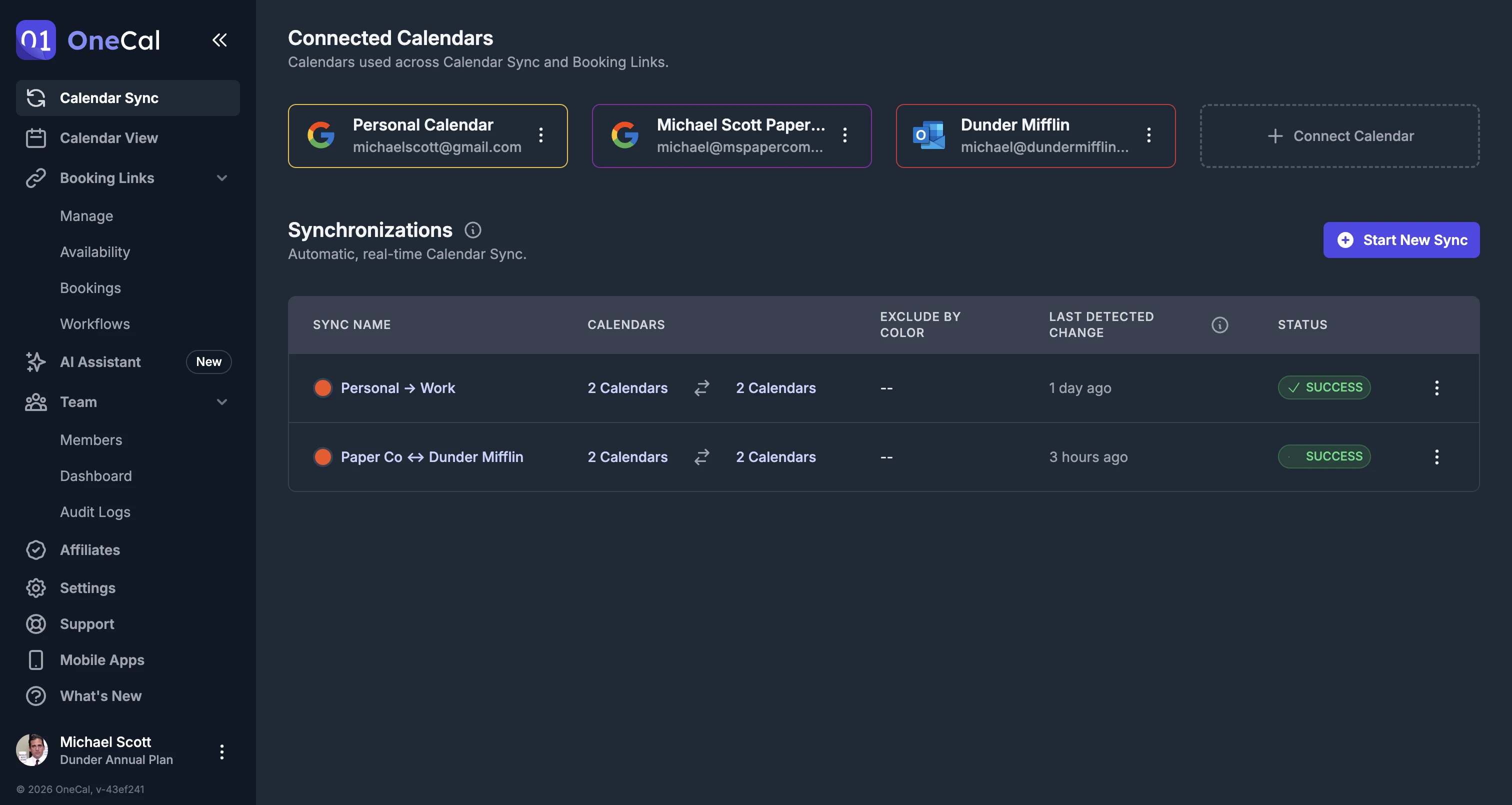
Clean, Intuitive UI
OneCal is invested in providing the cleanest user interface and the easiest user experience possible. There is no need for guides or documentation to sync your calendars.
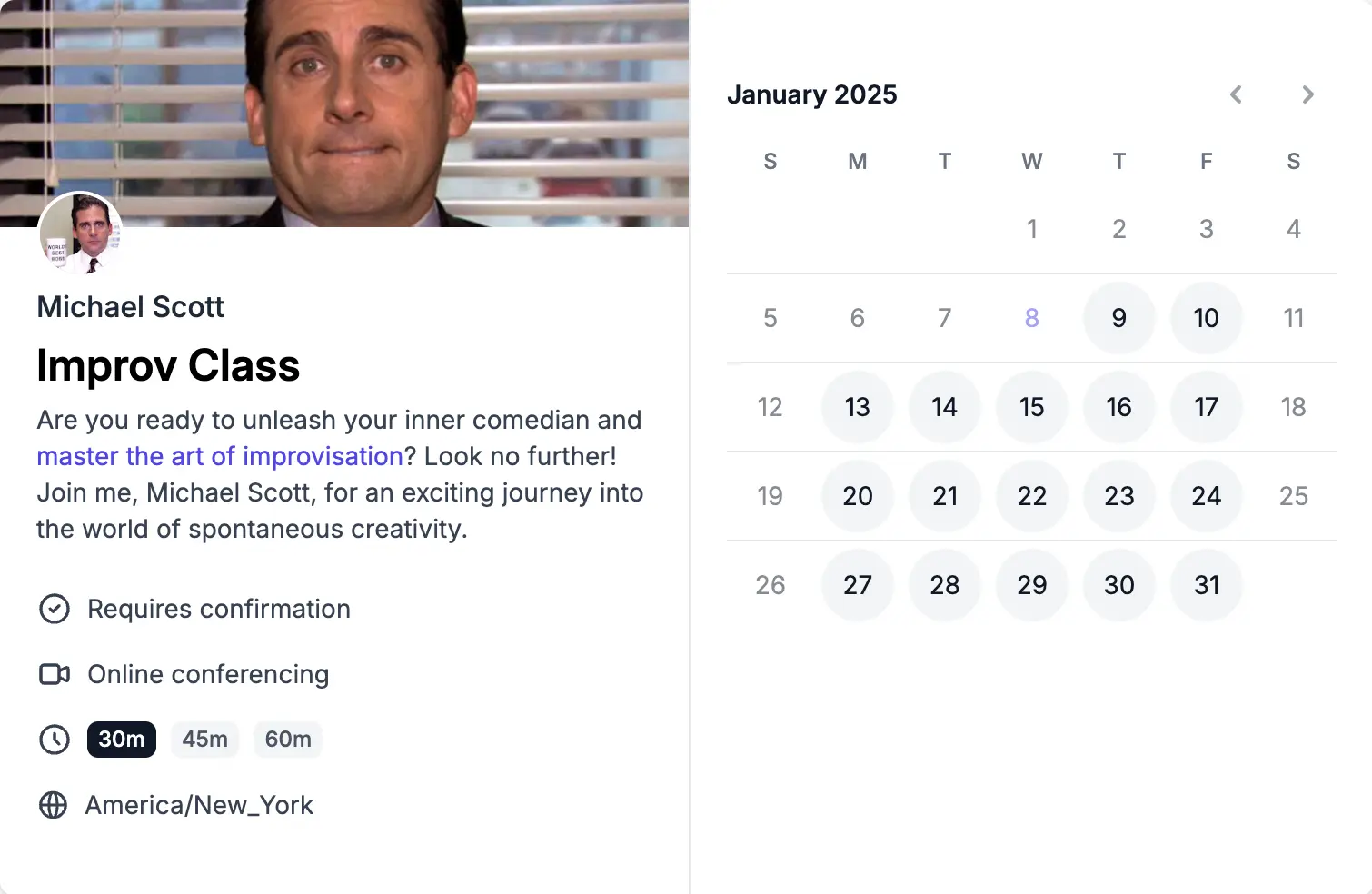
Easy to use Scheduling links
OneCal allows you to effortlessly manage your appointments, meetings, and events with our user-friendly scheduling links. Say goodbye to tedious back-and-forth communication and confusion.
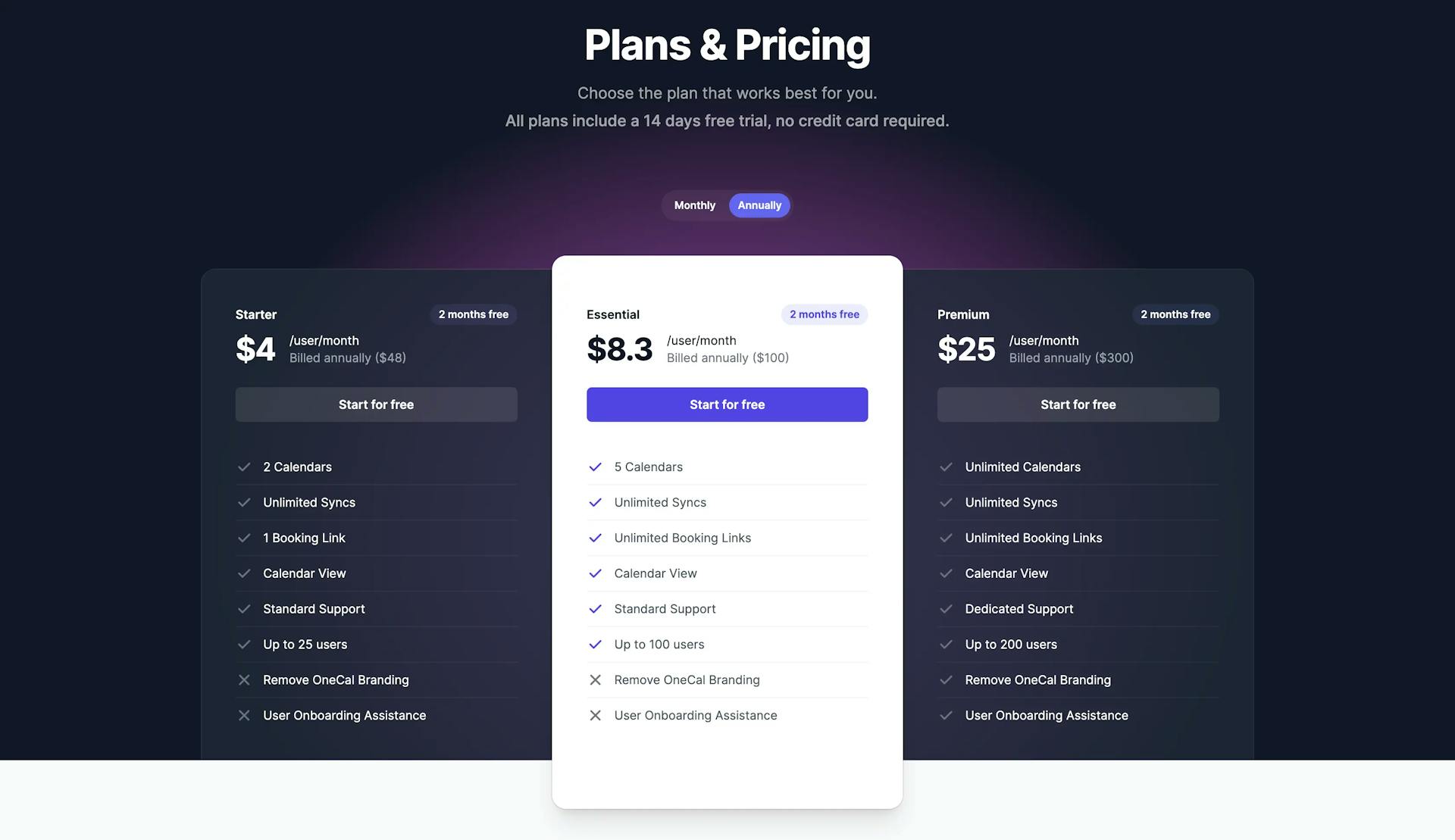
Affordable and Intuitive Pricing
OneCal does not charge based on how many syncs you create but based on how many calendars you want to sync. You don't have to calculate the number of syncs you need to create in order to sync your calendars, that's our job!
Exclude events from syncing
OneCal gives you the flexibility to exclude specific events from synchronization based on color. For instance, if you don't want a private event to appear on your work calendar, simply mark it with a designated color. In addition to color, you can also exclude events based on RSVP status (Going, Maybe, Unanswered, No).
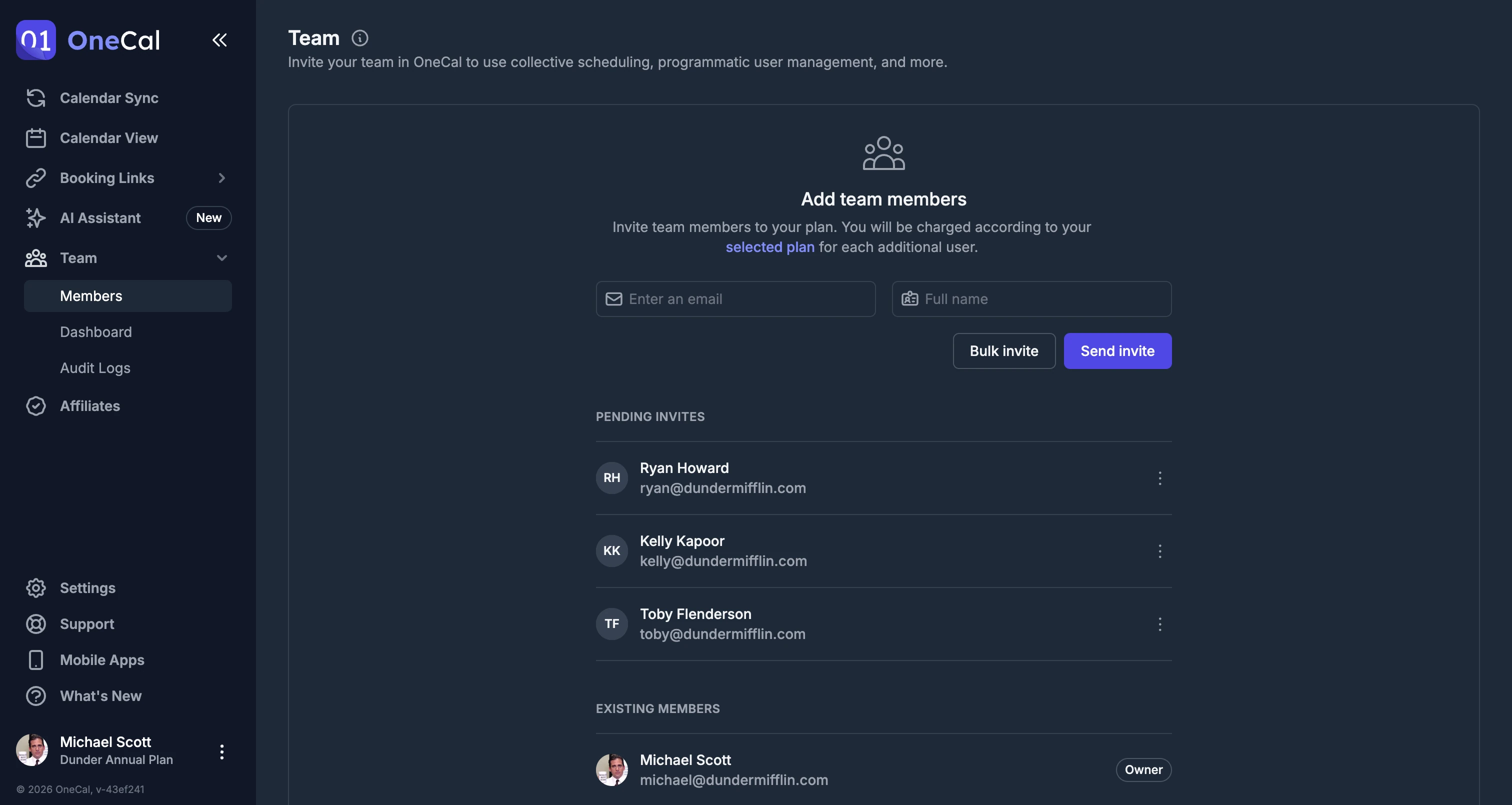
Team Plans
OneCal offers a simple and straightforward way to invite and pay for your organization or team. No need to get on a call with the sales team, or setup a new dashboard.
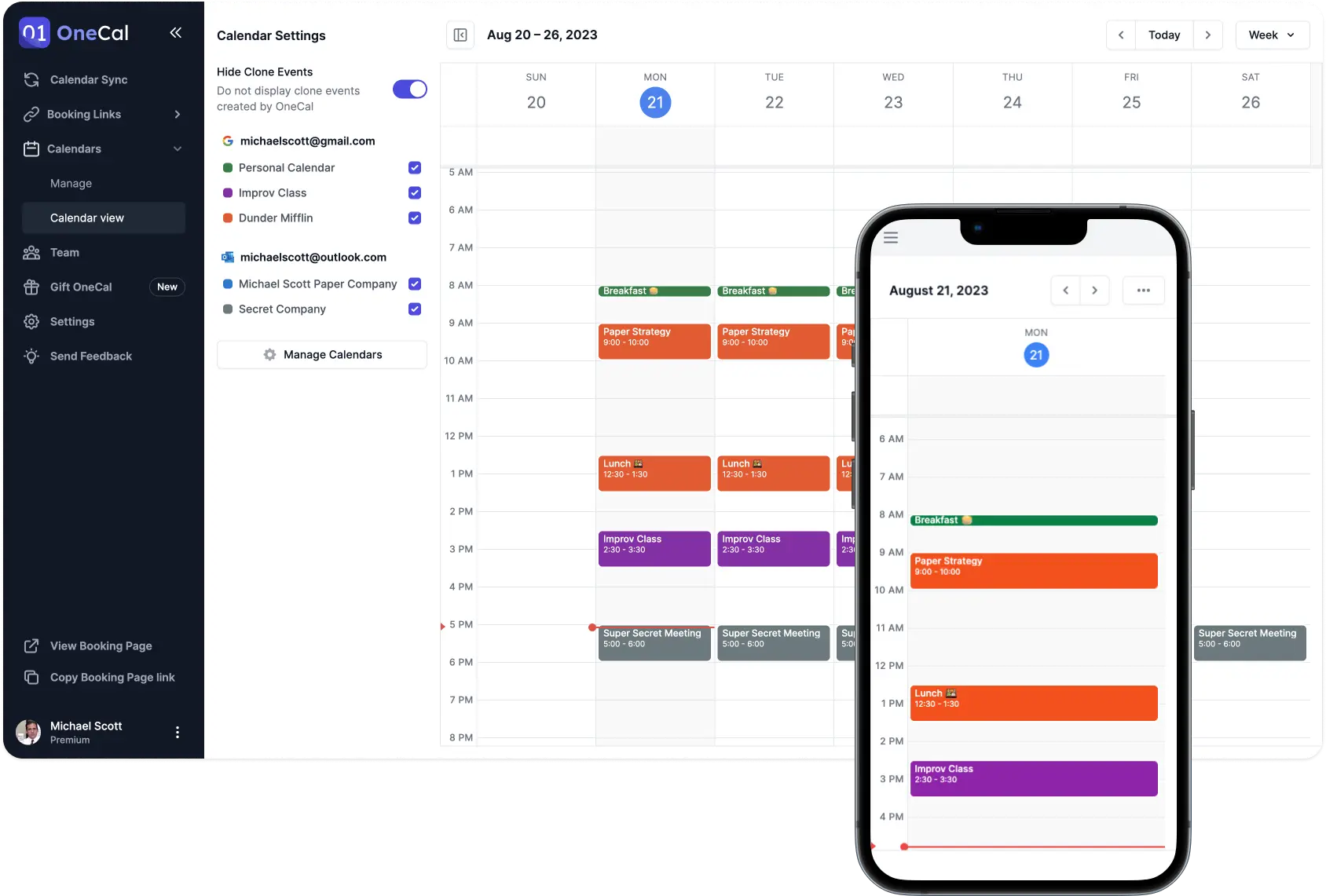
View and manage all your calendars in one place
With OneCal, you don't have to juggle multiple calendars, you can view, create, and edit events, and respond to meetings, all from a single Unified Calendar View. You can also hide clone events so you never see duplicates.
Switch to OneCal in minutes
Provide yourself and your team with the simplest and most configurable Calendar Synchronisation tool in the market.
Get 20% discount + assistance with onboarding and migration if needed.