Table of Contents
Ready to Sync Your Calendars?
Create a OneCal account to sync multiple Outlook, iCloud and Google Calendars, create Booking Links, and much more.
Sign Up for FreeNo credit card required!
We’re excited to roll out Dark Mode support to our web app, giving you a more comfortable way to use the product, especially in low-light environments.
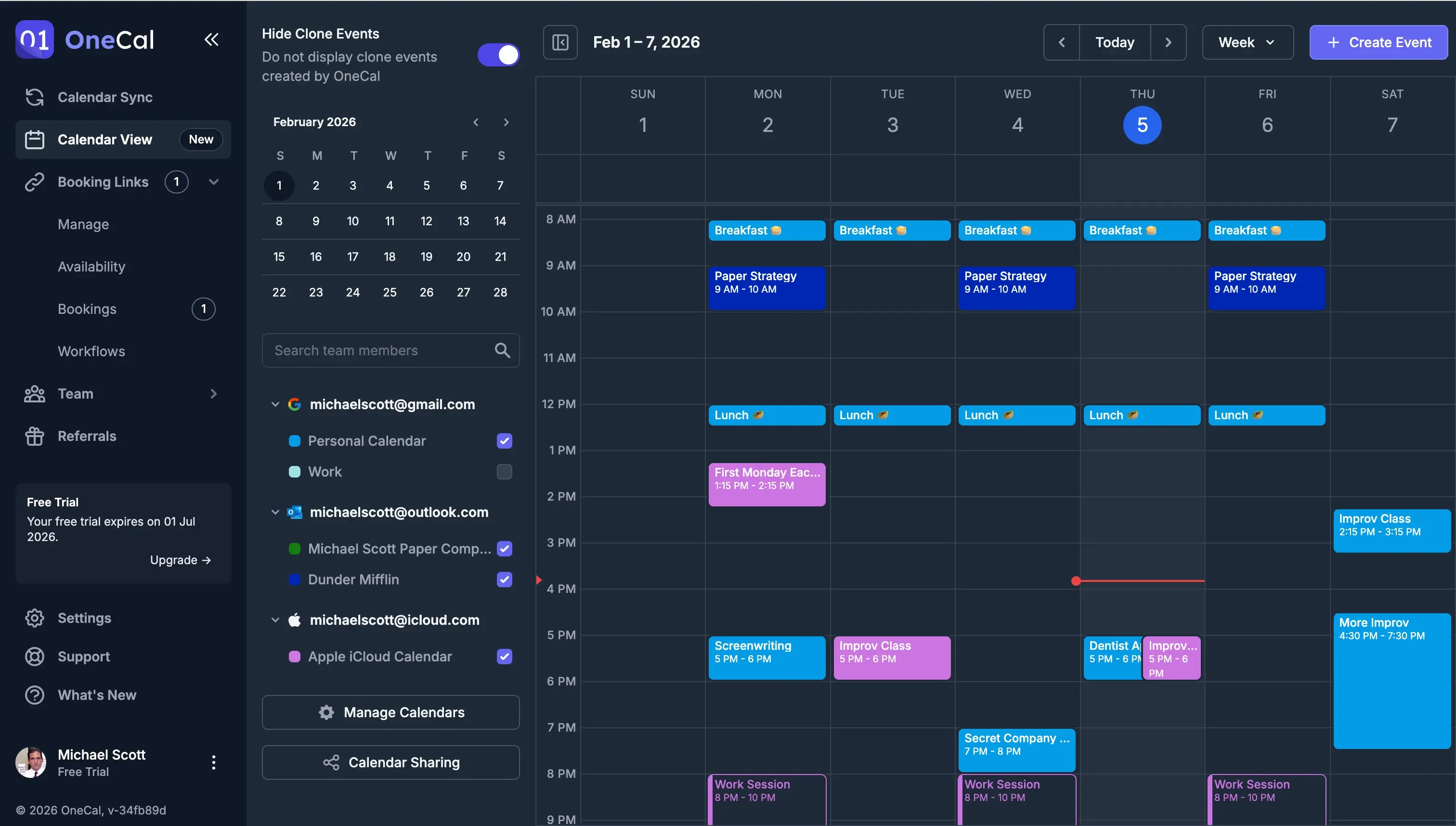
By default, our web app will automatically use the system default appearance. If you want to change it:
- Click the three dots icon, under the user profile
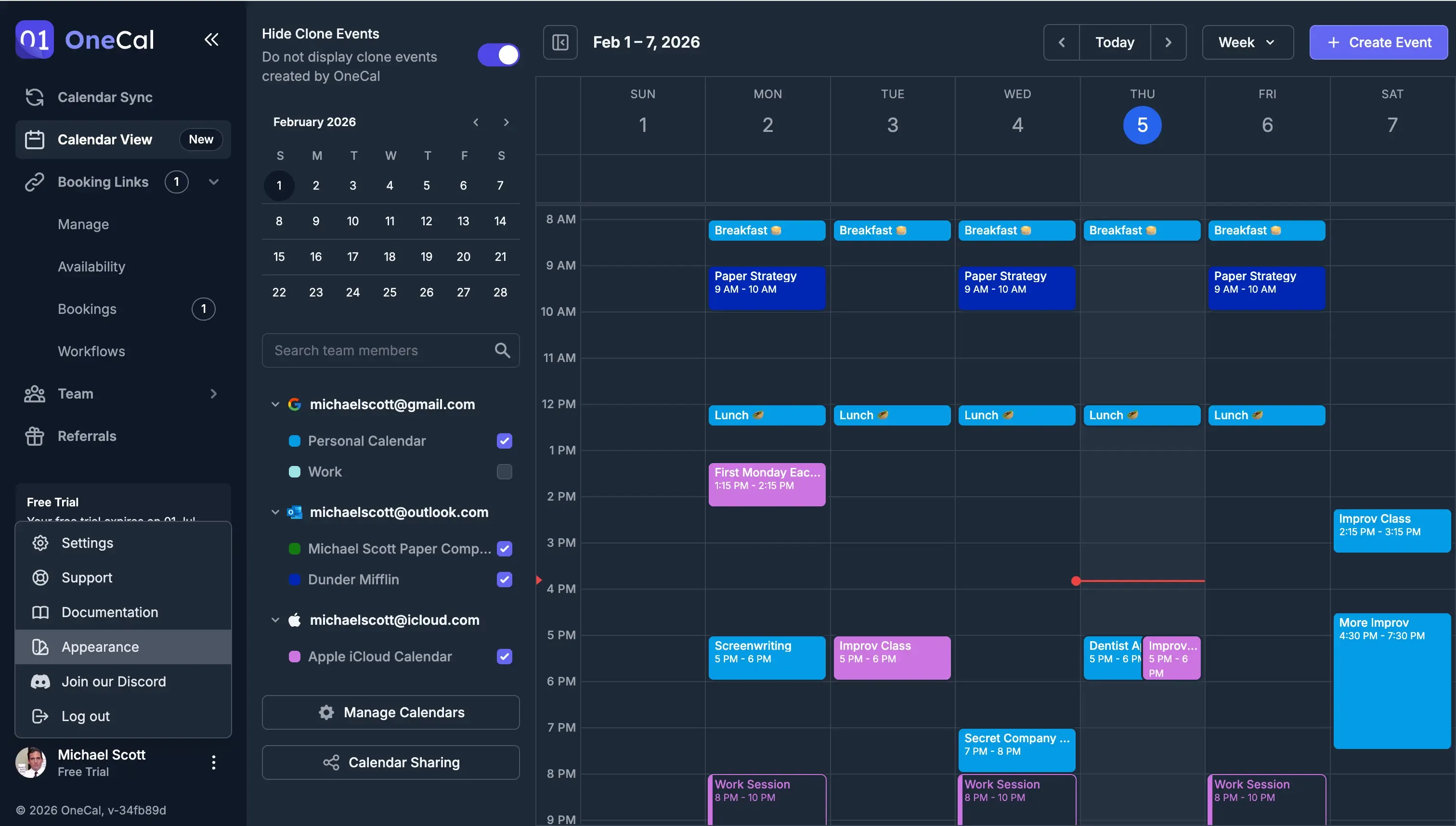
- Click "Appearance". You can choose between Light, Dark, or System Default.
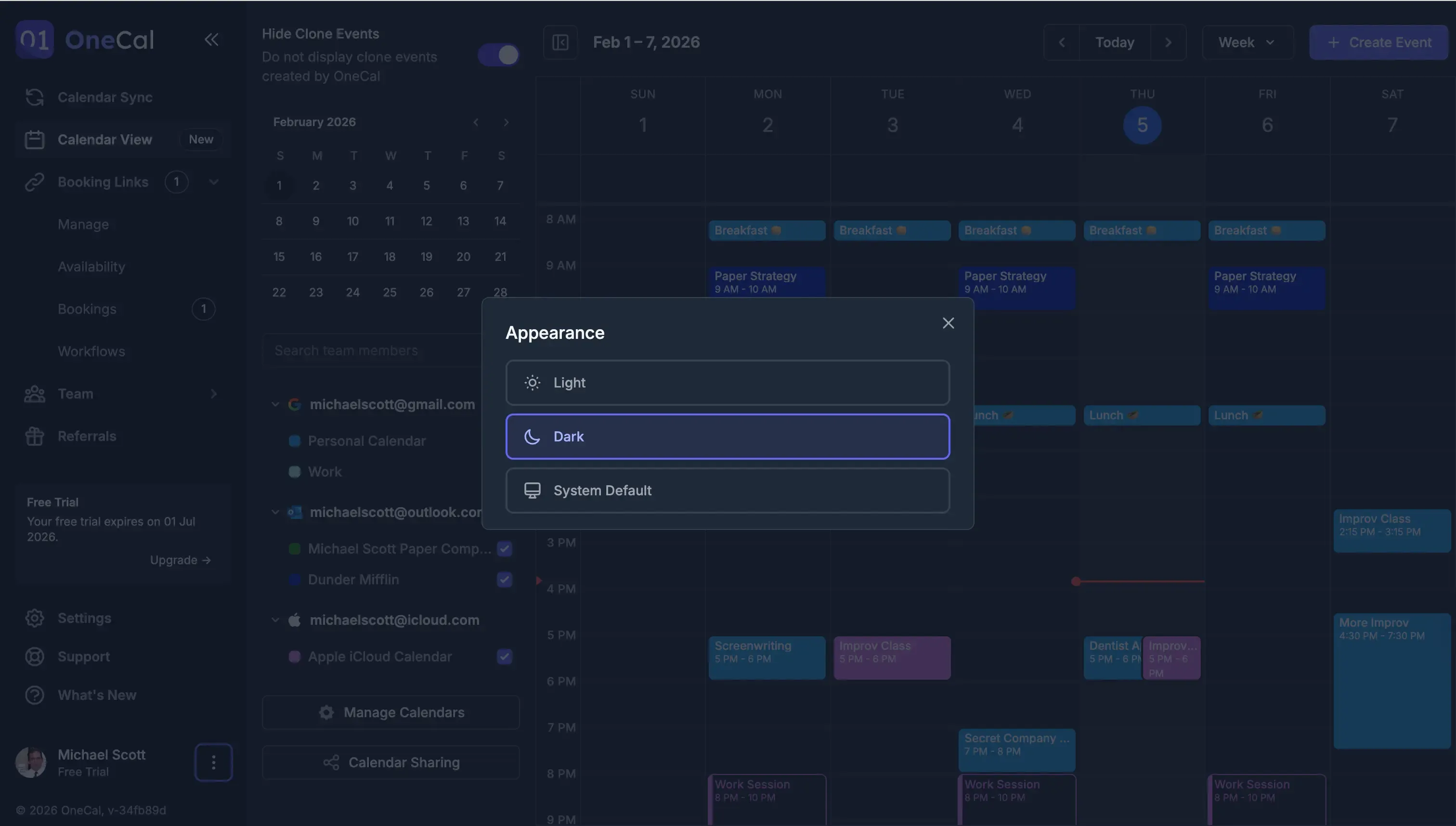
Give Dark Mode a try and let us know what you think. Your eyes might thank you. 🌙
Sneak Peek: The OneCal Mobile App is coming out soon
We've also been working hard to release our app on the App Store and Play Store. Through our mobile app, you'll be able to:
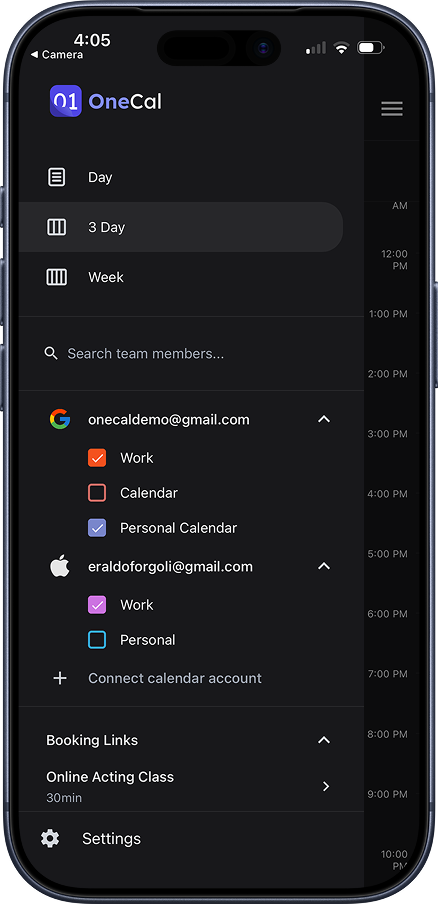
- View and manage events across iCloud, Outlook, and Google Calendars, as you do from our web app.
- Connect/Disconnect calendars
- View your team members' availability
- Hide clone events created by OneCal, so your Calendar doesn't get cluttered by duplicates.
- Quickly Join Meetings and RSVP
- Quickly share your booking links.
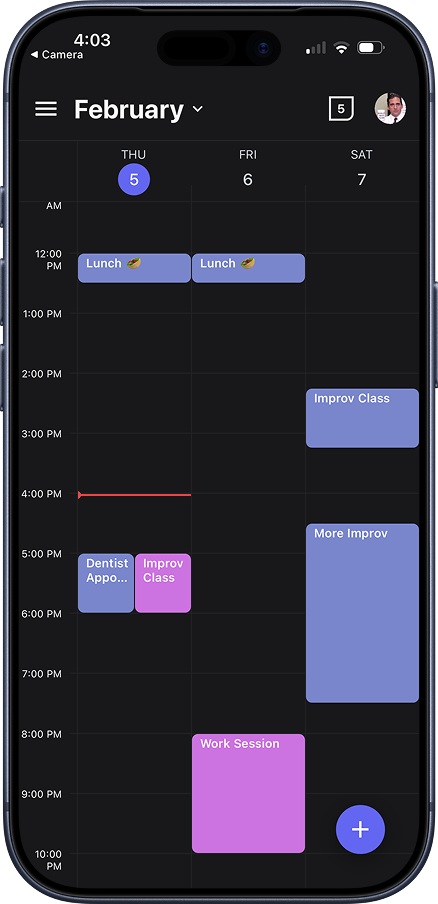
- Day, 3-Day and Week Views
- Out of the box support for Dark Mode.
- and more... 🫣
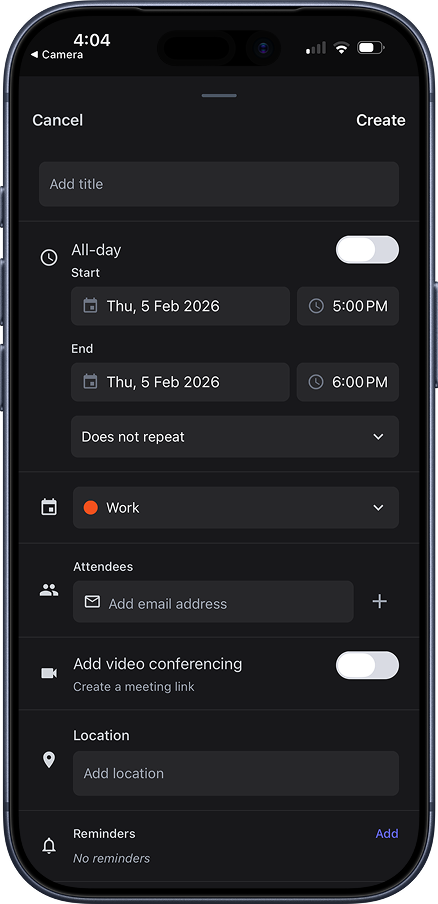
Here are some screenshots:
Week View
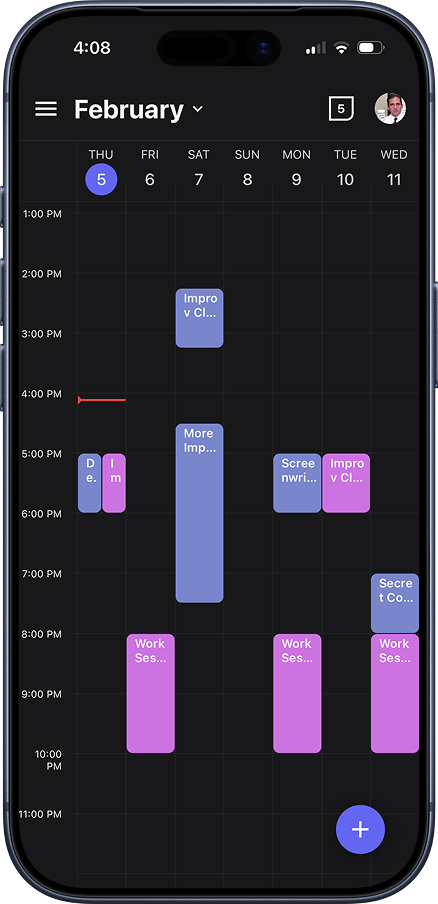
Three-day View
Main Navigation
Create Event
If you have any feedback, please reach out to contact@onecal.io, or fill out this contact form.