OneCal for Mobile
Manage your Google Calendars, Outlook, and iCloud Calendars directly from your phone. Create events, join meetings, and share scheduling links - all from the OneCal app.


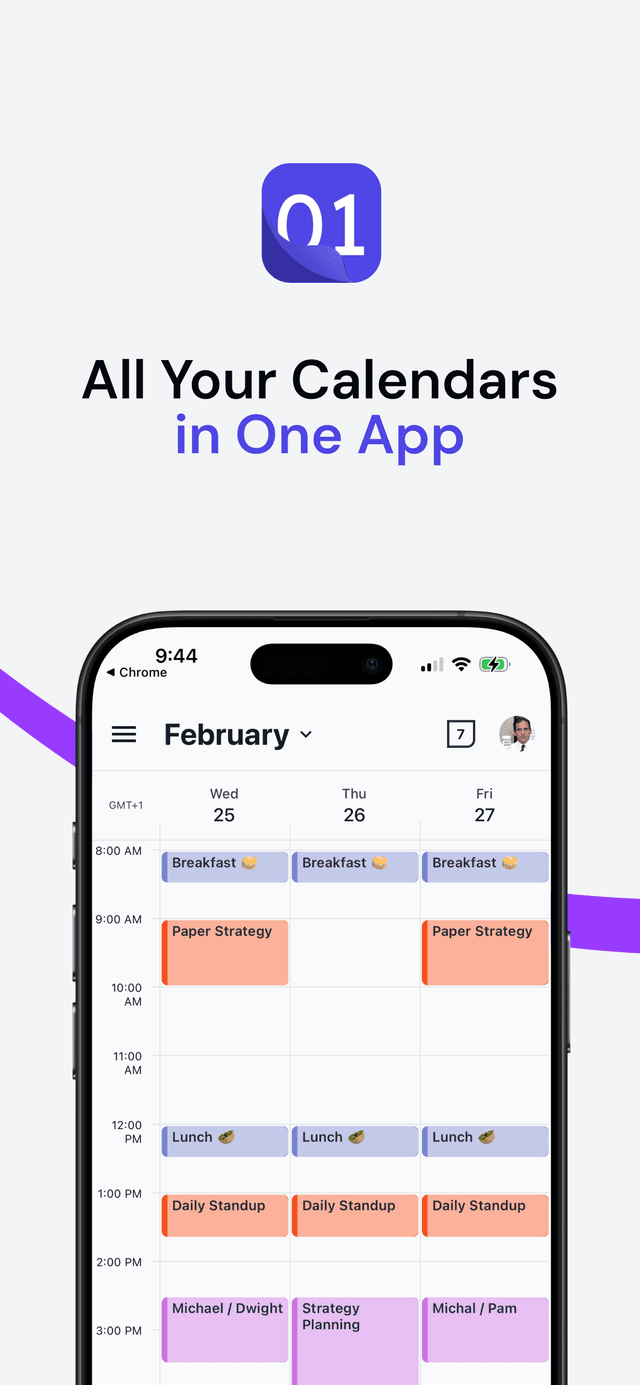
A Calendar App That Stands on Its Own
We didn't build this app just to say we have one. We set out to build a mobile experience that genuinely stands on its own alongside the best calendar apps on the App Store.
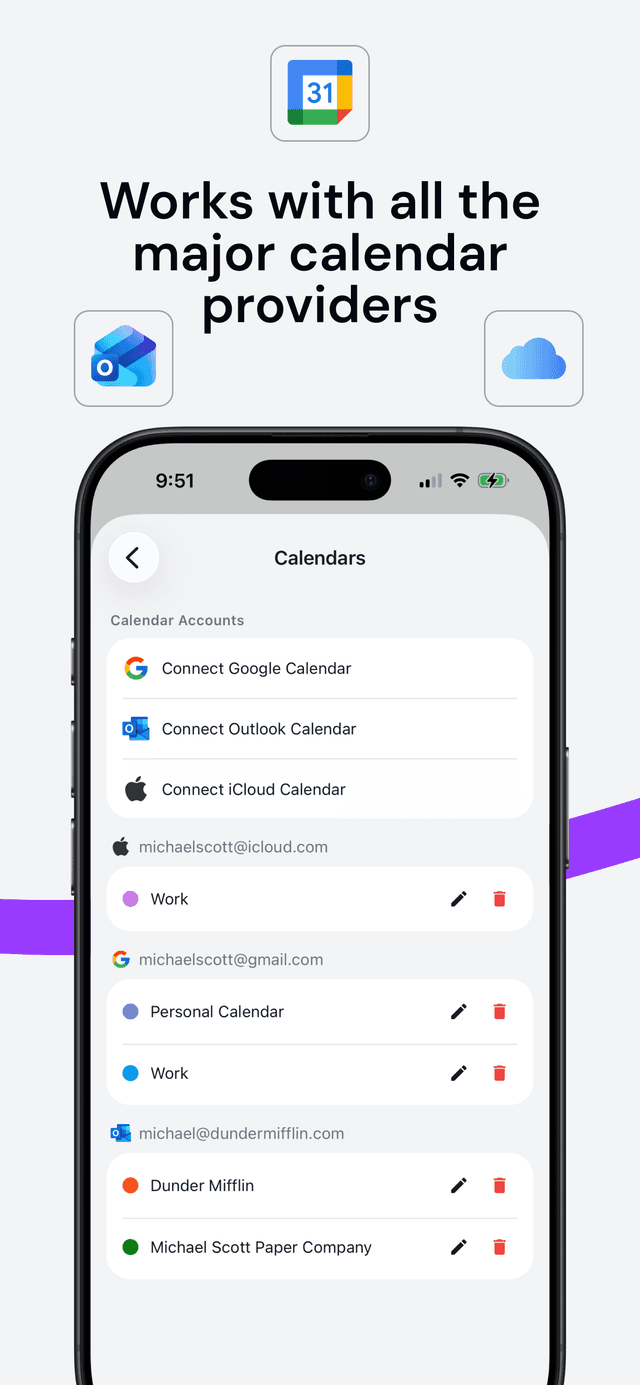
Works with All Major Calendar Providers
Connect Google Calendar, Outlook, and iCloud directly from the mobile app. See all your events across providers in a single, unified view - no need to switch between apps.
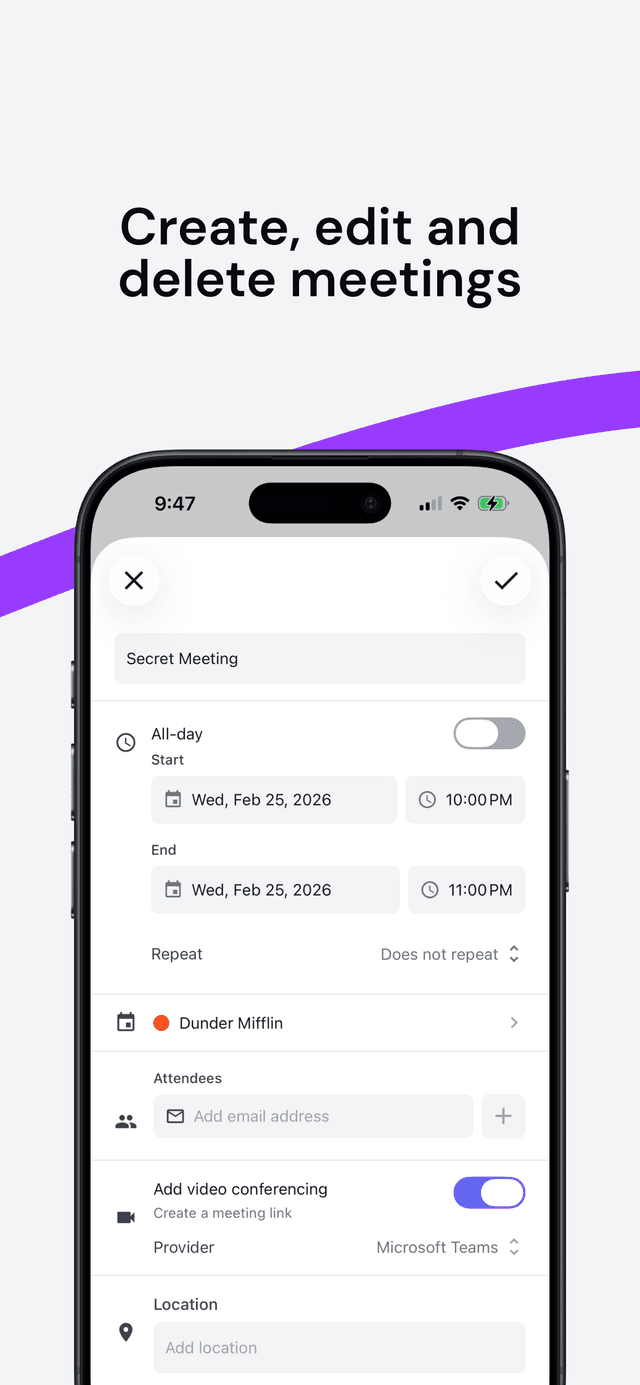
Create, Edit and Delete Events
Manage your schedule right from your phone. Create new events, edit existing ones, add attendees, set reminders, and even add video conferencing links - all with a few taps.
Plan Your Day, or Your Entire Month
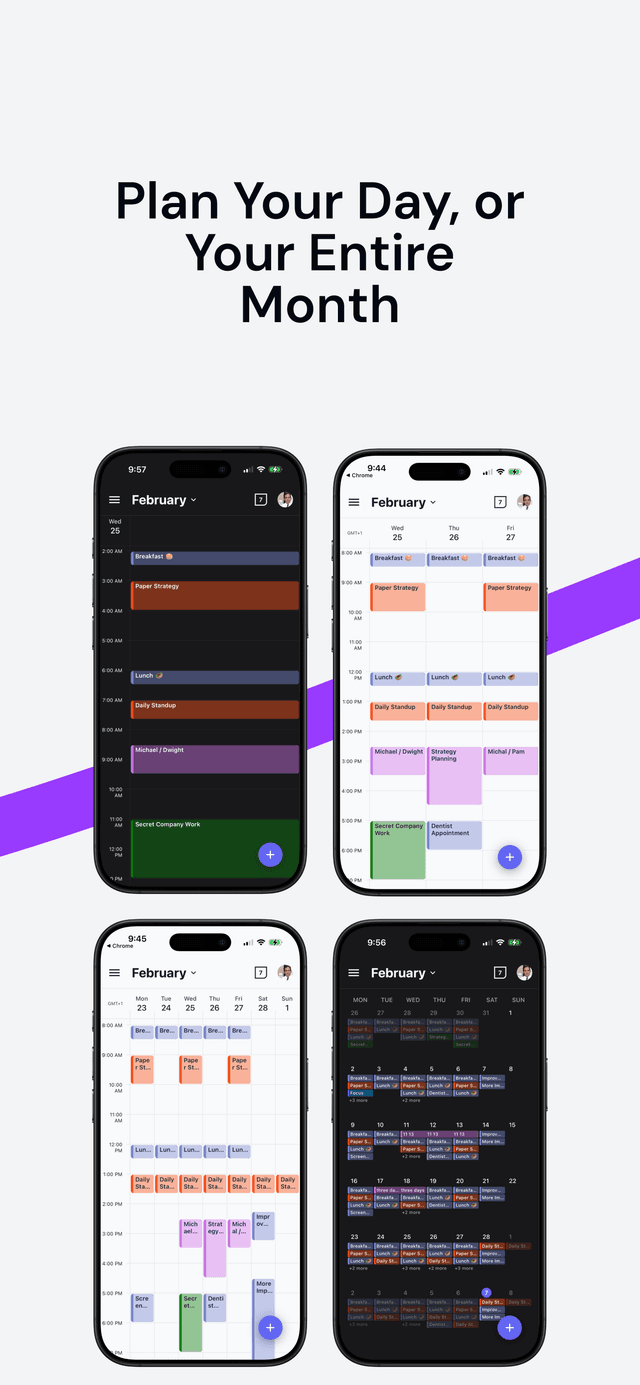
Switch between day, three-day, week, and month views to see your schedule exactly how you want it. Find the perfect view for planning ahead or focusing on today.
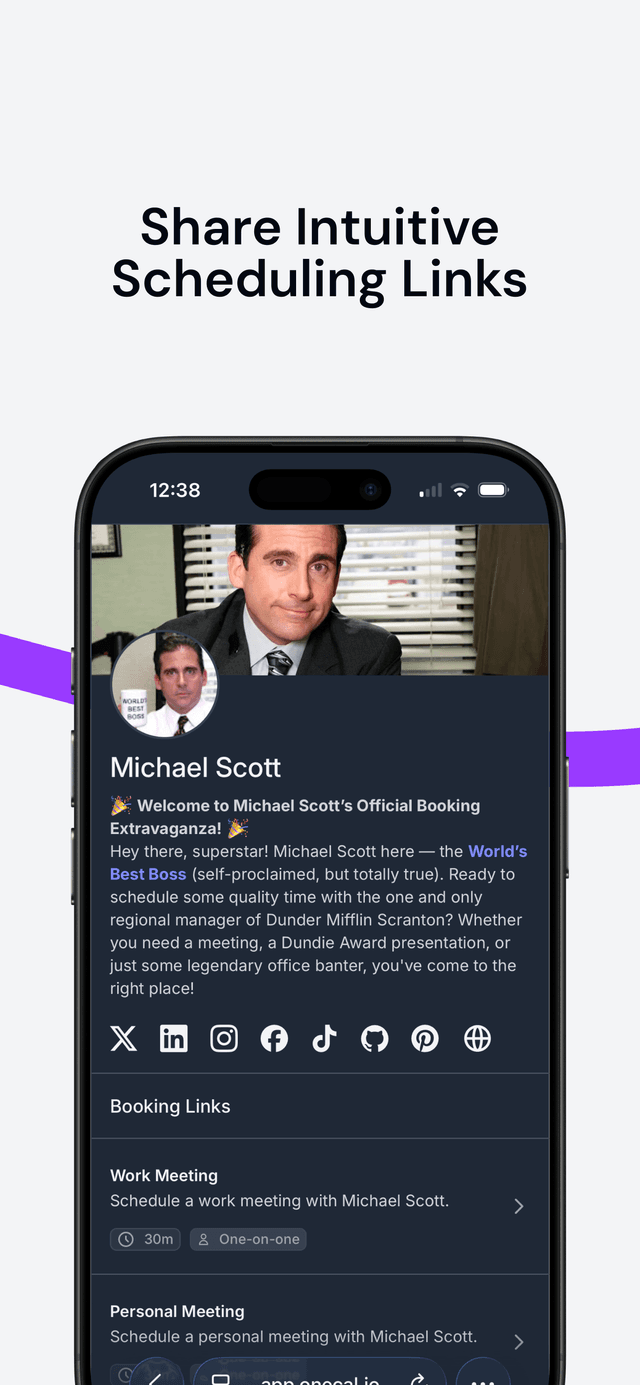
Share Scheduling Links on the Go
Share your scheduling links directly from your phone and manage bookings on the go. Approve, reject, or reschedule appointments with a single tap.
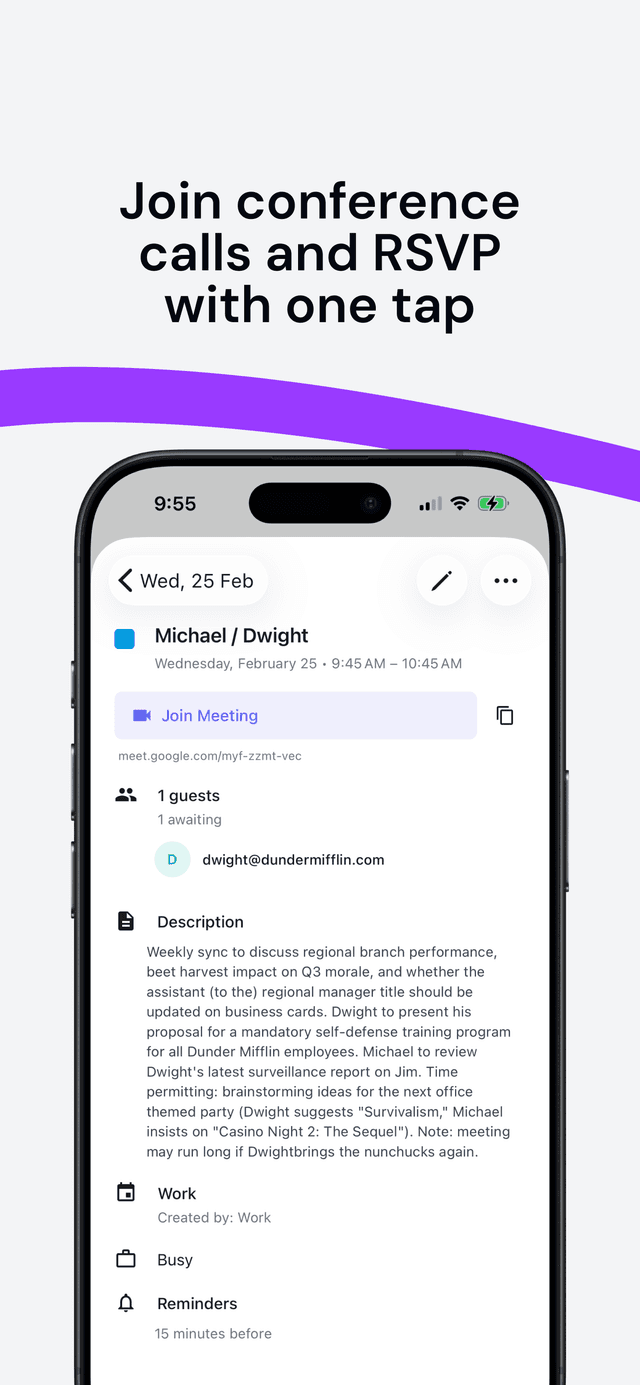
Join Calls and RSVP with One Tap
Join Google Meet, Microsoft Teams, or Zoom meetings with a single tap. RSVP to invitations and see attendee details right from the event view.
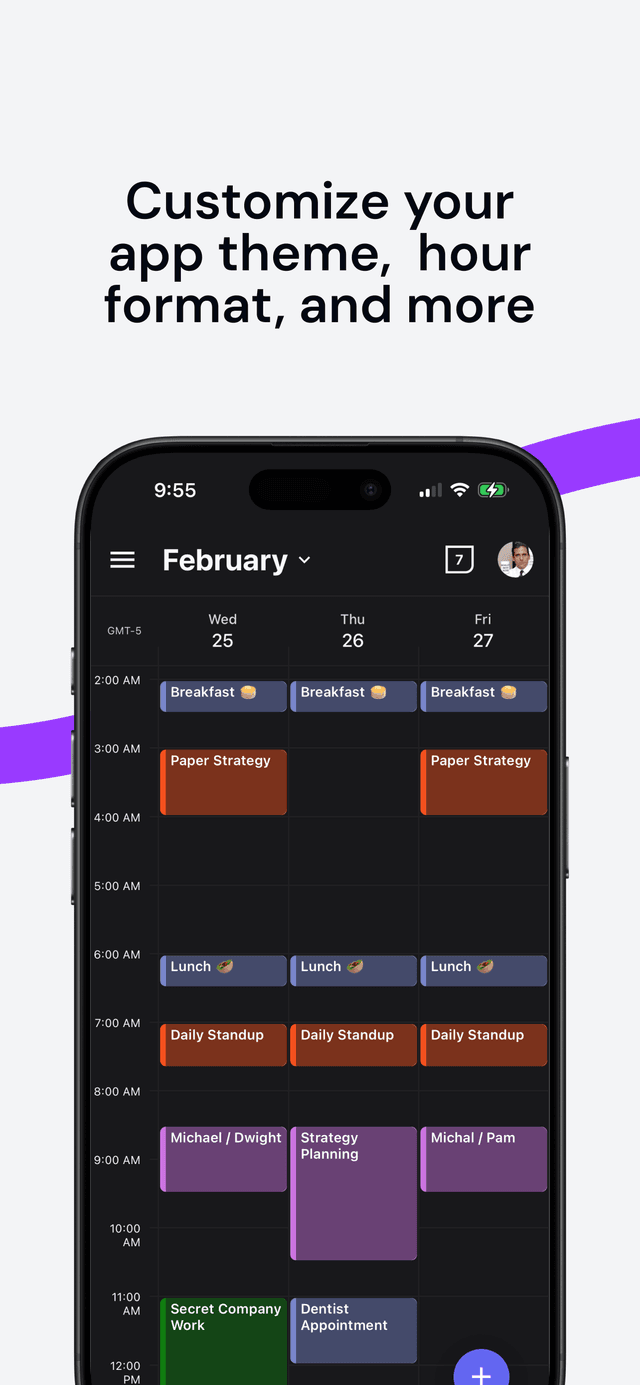
Customize Your Theme and More
Choose between light and dark mode, customize your hour format, rename or recolor calendars, and make OneCal truly yours.
Take OneCal Everywhere
Download the OneCal app and manage all your calendars from anywhere.