The Calendar MCP Server for your AI assistant
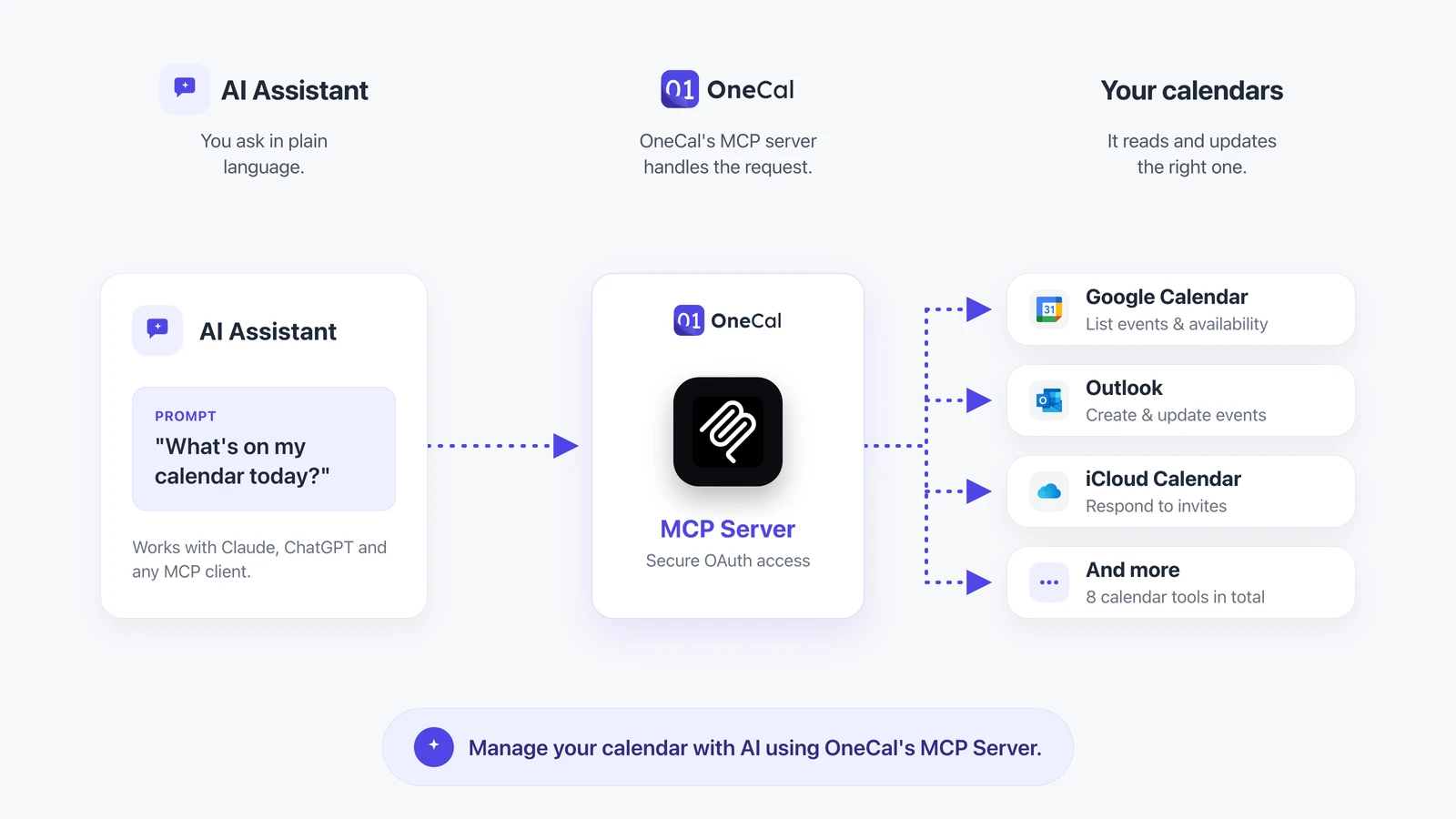
Connect your Google, Outlook and iCloud calendars to Claude, ChatGPT and any MCP client through one secure server. Let your AI assistant read your schedule, check your availability, and create, update and delete events.
You are in good company. OneCal is trusted by thousands of users from organizations like










What is the OneCal Calendar MCP Server?
The Model Context Protocol (MCP) is an open standard that lets AI assistants connect securely to external tools and data. The OneCal Calendar MCP Server exposes your connected calendars to any MCP client, so your assistant can work with your real schedule instead of guessing.
- Connect Google Calendar, Outlook and iCloud through a single MCP server
- Works with Claude, ChatGPT and any other MCP-compatible client
- Secure OAuth authentication, so you stay in control of your data
- Read your availability and events, then create, update or delete them by chat
Every calendar, one MCP server
Connect the calendars you already use in OneCal and reach them all through a single Calendar MCP Server.
Google Calendar
Give your AI assistant access to your Google Calendar events and availability.
Outlook Calendar
Connect Outlook and Microsoft 365 calendars so your assistant can manage them too.

iCloud Calendar
Bring your Apple iCloud calendar into the same MCP server as the rest.
What your AI assistant can do
The OneCal Calendar MCP Server ships with a full set of tools, so your assistant can manage your calendar from end to end.

List Calendars
Read
See every calendar connected to your OneCal account in one place.
Get Busy Intervals
Availability
Check when you are free or busy across all your calendars for any time range.
Get Calendar Events
Read
Pull events from all connected calendars for a given date range and time zone.
Get Calendar Event
Read
Fetch the full details of a single event by its ID.
Create Calendar Event
Write
Create a new event with attendees, reminders, recurrence and video conferencing links.
Update Calendar Event
Write
Change the time, title, attendees or any other detail of an existing event.
Delete Calendar Event
Write
Remove an event from any of your connected calendars.
Respond to Calendar Event
Write
RSVP to invitations as accepted, declined or tentative, with an optional message.
Things you can ask your assistant
A few of the everyday prompts that just work once your calendars are connected through the OneCal Calendar MCP Server.
Daily planning
"What does my day look like?"
Your assistant reads every connected calendar and gives you a single, clear rundown of your day.
Availability
"When am I free for a 30-minute call this week?"
Check real availability across all your calendars without opening a single app.
Scheduling
"Schedule a meeting with Sarah on Thursday at 2pm"
Create events with attendees, reminders and a video link straight from chat.
Rescheduling
"Move my 3pm to tomorrow morning"
Update the time of an existing event in seconds, no manual dragging required.
Cancelling
"Cancel my dentist appointment on Friday"
Delete events from any connected calendar with a simple instruction.
Video conferencing
"Add a Zoom link to my standup"
Attach Google Meet, Microsoft Teams or Zoom links when your assistant creates an event.
RSVP
"Decline the budget review invite"
Respond to invitations as accepted, declined or tentative without leaving the conversation.
Focus time
"Find a free hour for deep work tomorrow"
Let your assistant scan your busy intervals and protect time for the work that matters.
Secure by design
Your calendars, under your control
The OneCal Calendar MCP Server uses OAuth, so your AI assistant only gets the access you grant and nothing more. Connect once and revoke access any time from your OneCal account.

"I have 9 calendars to manage and it has saved my life. The user interface is intuitive and clean, setup is easy and there's little to no maintenance needed. I didn't read a single support article because it all just makes sense. It offers a variety of options in configuring the sync so that you share only what you want, and the syncs are fast and stay up-to-date in real time. I love the scheduling links and the public calendar and ICS features. It's made it so easy for colleagues and clients to see my actual availability and schedule with me without needing to share my calendars directly."


"OneCal is the only way I found to consistently sync my work (Outlook) and personal (Google) calendars. I tried all the suggested free methods and none were successful. I rely on both calendars and am so pleased I can see them together everywhere I look!"

"I primarily utilize OneCal to keep multiple calendars synced so that different organizations can see my shared schedule. This one tool helps me manage tons of calendars effectively and my coworkers, clients, and companies can all keep track of my schedule in real-time."

"I really appreciate how OneCal solves my need to have all of my calendars synced, so I'm not double booking time on my calendar. It's super easy to set up, and I found the user interface very nice to work with. Once I signed up, I had everything syncing in just a few minutes."

"During my search for a meeting scheduling solution, I discovered OneCal. I realized that it could effortlessly address all my calendar-related issues. The setup process was incredibly intuitive, and I can't think of a single drawback to this solution. I had it up and running in just three minutes. "

"OneCal solved ALL calendar issues!
I have 5 different gmail calendars and OneCal is like, 'Not a problem!'
I need multiple booking links - OneCal - 'Not a problem.'
I had an issue (user issue for sure) and A REAL PERSON from OneCal is emailing me with a solution before the end of day.
You simply cannot beat this tool or their amazing support."

"The ability to sync multiple calendars so I can stay on top of my life is really important to me. It made it much easier than other products I tried."

"I'm a consultant. I have 4 different Google Calendar accounts with different companies. The specific issue I needed to solve was that when I put something on one calendar, I needed it to block all of the other calendars. This seamlessly and effortlessly makes that possible. I've used it for 2-3 years now and it's perfect."
"The clean layout and constantly evolving features make it really easy to navigate and great value. It has good integrations with other websites and really quick to load as well. It's made my ROI really high and works great."

"I use OneCal for syncing between three different calendars - day job, my own business, and personal calendar. It solves the big problem of not double booking across different parts of my life. I also appreciate not having to manually cross-check calendars while maintaining privacy on my day job calendar."

"I use OneCal to manage my bookings across five different businesses, each with its own email address. I like how it cross-checks bookings and blocks off time across all my calendars, which helps avoid any duplicates. It works really well for keeping my schedule organized. I was using Calendly before, but now I use OneCal for my scheduling links, and it syncs well with Google Calendar."
"OneCal is easily the best tool for cloning appointments across multiple calendars. I manage so many client calendars that it's way too time-consuming to copy everything manually. With OneCal, I can automatically clone appointments and use my Teams/Office integration so meetings get scheduled appropriately and automatically. It's not the cheapest tool in the industry, but in my experience it's definitely the best. They also have a Discord group with the developers if you ever have UI/UX suggestions or need more direct support."
"I really like OneCal for its seamless experience and the fact it just works. I appreciate how it allows multi-to-multi calendar synchronization, making it possible to synchronize my work, private, and business calendars effectively. After trying multiple calendar tools, OneCal is the first one that actually works for me."

"It's a once-and-done setup, a few minutes to add and sync the calendars and then you never need to touch it again. And reasonable permissions manifest as well. OneCal has been head and shoulders above any other interaction I've seen, with responsive devs eager to explain their design and even implement new features."

"This has been a true life-saver to have updates syncing in real-time and eliminates the need for a third-party calendar sharing view for me. Was a breeze to set up as well. Thank you for inventing this!"

"I love OneCal for its ability to remove the chaos of scheduling across different time zones and schedules. I appreciate how it organizes both my personal and professional life, preventing me from missing important events like my kid's preschool graduation. The ease of use has significantly reduced my stress."

"Super easy to use, FANTASTIC support, pretty easy to integrate and implement. Use it daily. The calendar sync function alone is worth the price and the UI is excellent."

"I've tried many calendar synchronisation solutions between Google Calendar and Outlook: this one works like a charm. The UI is really nice and the integration is very fast. As a consultant, I need synchronized calendars both in my own company's agenda and in the agenda provided by my customers."
"OneCal is the best service I have found for calendar synchronization and management. I have tried other services, and while they work well, none work as quickly and cleanly as OneCal."
"I work with multiple clients, and it has always been a challenge coordinating availability. OneCal solves this in the simplest way possible: by copying my calendar entries across my calendars, everyone gets to see my actual availability in the system they are already using. OneCal's scheduling links handle availability for anyone outside the organizations I'm already working with. It also lets you select the level of information you share, so one client's information is never shared with another. It's a great system and has already saved me hours of time by not having to reschedule meetings."
"I like that OneCal solves the problem of double bookings for me as a freelancer with multiple email accounts. It books meetings across all my calendars automatically, which is a major benefit. I use OneCal daily and appreciate how easy it is to set up and not have to look back."
